AI Crawlers in 2026: How to Check AI Crawlability
Every AI tool that answers questions using live web content needs a crawler to read that content first. If your site blocks the wrong crawler, or never gets crawled at all, you become invisible to that AI system, no matter how good your content is.
Most site owners have never checked which AI crawlers are allowed on their site. Here’s the current list worth knowing, and how to check your own setup.
What Is AI Crawlability?
AI crawlability is the ability of AI-related crawlers and search systems to access, fetch, and understand content on your website. A site may be difficult for AI crawlers to access if important pages are blocked by robots.txt, server rules, firewalls, authentication, or technical errors. Improving crawlability helps make your public content easier for eligible search and AI systems to discover.
How to Check AI Crawlability
To check whether AI-related crawlers can access your website, review the technical controls that may block or restrict public content.
1. Review robots.txt
Check whether important pages or crawler user-agents are blocked by your robots.txt rules.
2. Check HTTP Status Codes
Important public pages should normally return a successful 200 status instead of 403, 404, 5XX, or unexpected redirects.
3. Review Firewall & CDN Rules
Security plugins, firewalls, and CDN bot protection can sometimes restrict legitimate crawlers even when robots.txt allows access.
4. Check Indexability
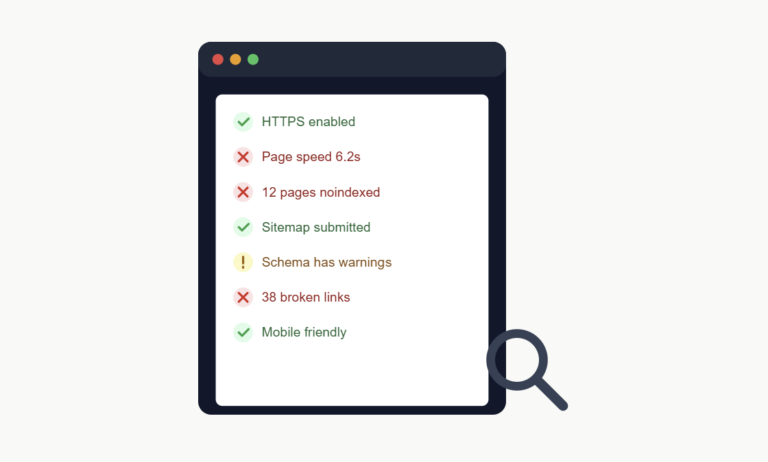
Review noindex directives, canonical tags, internal links, and sitemap inclusion for pages you want search systems to discover.
5. Monitor Crawl Activity
Use server logs and webmaster tools to understand whether crawlers are requesting your important pages and receiving successful responses.
Why This Matters
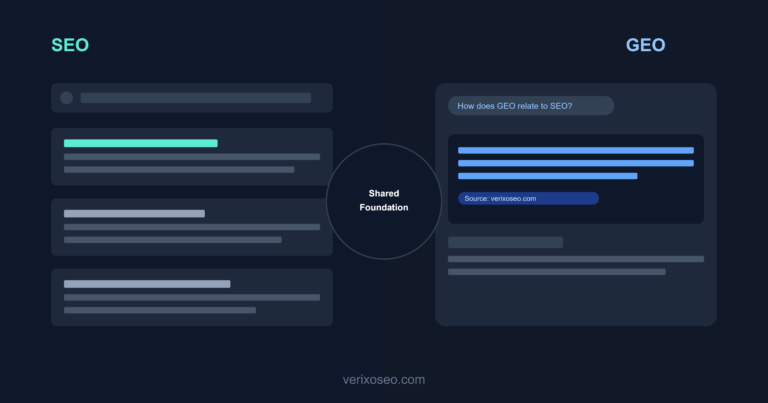
Traditional SEO revolves around Googlebot. That’s still true. But AI search adds a second layer of crawlers, each belonging to a different AI platform, each capable of being blocked separately in your robots.txt file.
A site can rank perfectly on Google and still be completely absent from ChatGPT or Perplexity answers, simply because the relevant crawler was blocked, often by accident through a security plugin or a hosting default.
The Major AI Crawlers in 2026
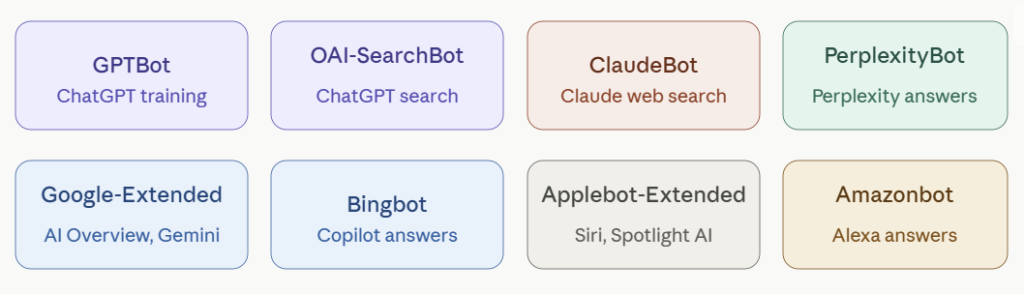
GPTBot — OpenAI’s crawler, used to gather training data and, separately, to power live web browsing in ChatGPT. Blocking GPTBot in robots.txt prevents ChatGPT’s search feature from citing your pages.
OAI-SearchBot — A separate OpenAI crawler specifically for ChatGPT’s search and browsing features, distinct from the GPTBot used for model training. Some sites block one and not the other without realizing they’re different.
ClaudeBot — Anthropic’s crawler, used both for research and for Claude’s web search capability. Blocking it removes your content from Claude’s ability to reference or cite your pages.
PerplexityBot — Perplexity’s crawler, essential if you want your content to appear in Perplexity’s answer citations. Perplexity has been especially aggressive about citing sources directly, so visibility here can drive real referral traffic.
Google-Extended — A separate directive from regular Googlebot, specifically controlling whether Google’s AI features (Gemini, AI Overview) can use your content. You can allow standard Google indexing while blocking Google-Extended, or vice versa. These are two different settings.
Bingbot — Powers both Bing search and Microsoft Copilot’s web-grounded answers. Often overlooked because Bing has a smaller search share, but Copilot usage has grown enough that this crawler matters more than it used to.
Applebot-Extended — Apple’s crawler for AI-related features, separate from the standard Applebot used for Siri and Spotlight search.
Amazonbot — Amazon’s crawler, used partly to power Alexa’s answers and partly for other AI-related Amazon products.
How to Check Which Crawlers Can Reach Your Site
Step 1: Check your robots.txt file
Visit yoursite.com/robots.txt directly in a browser. Look for any Disallow rules listed under User-agent: GPTBot, User-agent: ClaudeBot, User-agent: PerplexityBot, or similar. If a crawler is listed with Disallow: /, it’s fully blocked from your entire site.
Step 2: Check your hosting or security plugin settings
Many hosting providers and security plugins (firewall tools, bot protection services) block AI crawlers by default, sometimes without it showing clearly in your robots.txt file. These blocks happen at the server or firewall level instead. If you use a service like Cloudflare, check its bot management settings specifically, since AI crawler blocking is often a separate toggle there.
Step 3: Check server logs for crawler activity
If you have access to server logs, search for the crawler names above. If a crawler that should have access to your site never appears in your logs at all, something upstream, like a hosting-level block, may be stopping it before it even reaches your robots.txt rules.
Should You Allow All of Them?
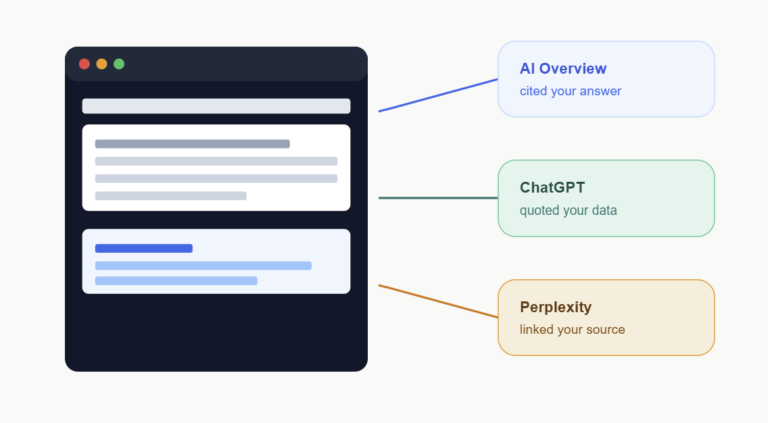
For most businesses trying to grow visibility, the answer is yes, allow the major AI crawlers. Being cited by ChatGPT, Perplexity, or Google’s AI features is a visibility channel, not a threat, for the vast majority of sites.
There are exceptions. Sites with content that shouldn’t be used for AI training, subscription content behind a paywall, or highly sensitive proprietary data may have legitimate reasons to block specific crawlers, particularly the ones associated with model training versus the ones associated with live search citation. Some platforms, like OpenAI’s GPTBot versus OAI-SearchBot, let you make that distinction directly.
A Simple robots.txt Setup for AI Visibility
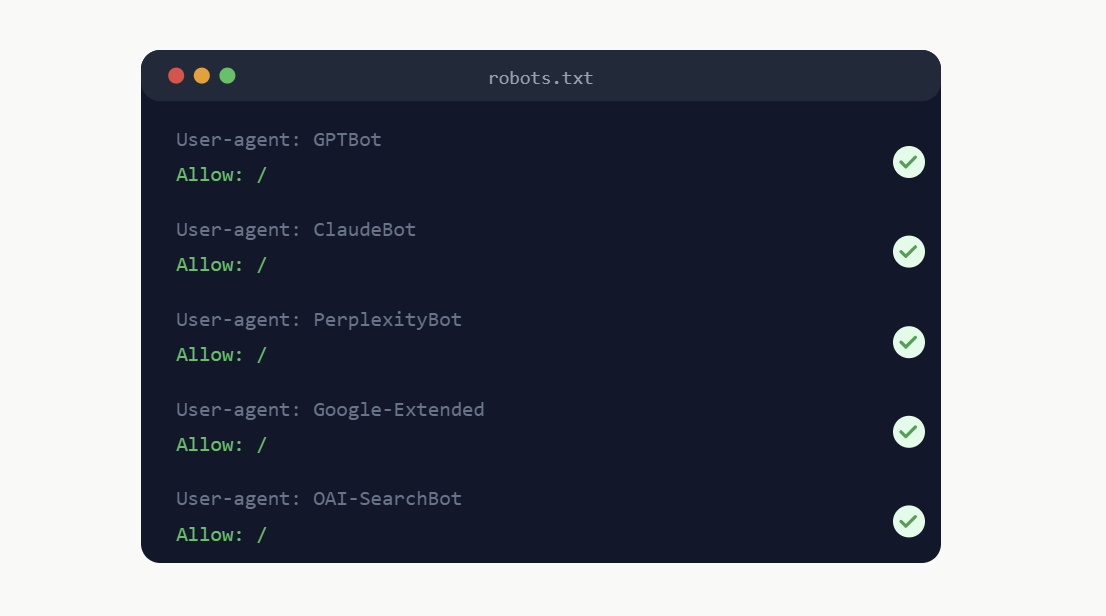
A basic setup that allows the major AI search crawlers while keeping standard SEO rules intact typically looks like this:
User-agent: GPTBot
Allow: /

User-agent: OAI-SearchBot
Allow: /

User-agent: ClaudeBot
Allow: /

User-agent: PerplexityBot
Allow: /

User-agent: Google-Extended
Allow: /

User-agent: *
Disallow: /wp-admin/
Allow: /wp-admin/admin-ajax.php
Adjust the standard rules to match your own site’s structure. The key addition is the explicit Allow: / lines for each AI crawler, which removes any ambiguity about whether they’re welcome.
What Google’s Guidance Says
Google has published documentation distinguishing Googlebot from Google-Extended specifically so site owners can control AI feature access separately from search indexing. This confirms the two are meant to be managed independently, and that blocking one doesn’t require blocking the other.
The broader pattern across AI companies has been similar: publish a named crawler, document it, and give site owners a clear way to opt in or out. Checking that your settings match your actual intent is a five-minute task most sites still haven’t done.
The Bottom Line
AI visibility starts with a basic technical requirement: the crawler has to be able to reach the page. A site with excellent content and a blocked crawler gets neither cited nor traffic from that platform, and most site owners have no idea it’s happening.
Check your robots.txt file today. It’s one of the fastest technical fixes available, and unlike most SEO work, it can be verified and corrected in minutes.